Import GPX
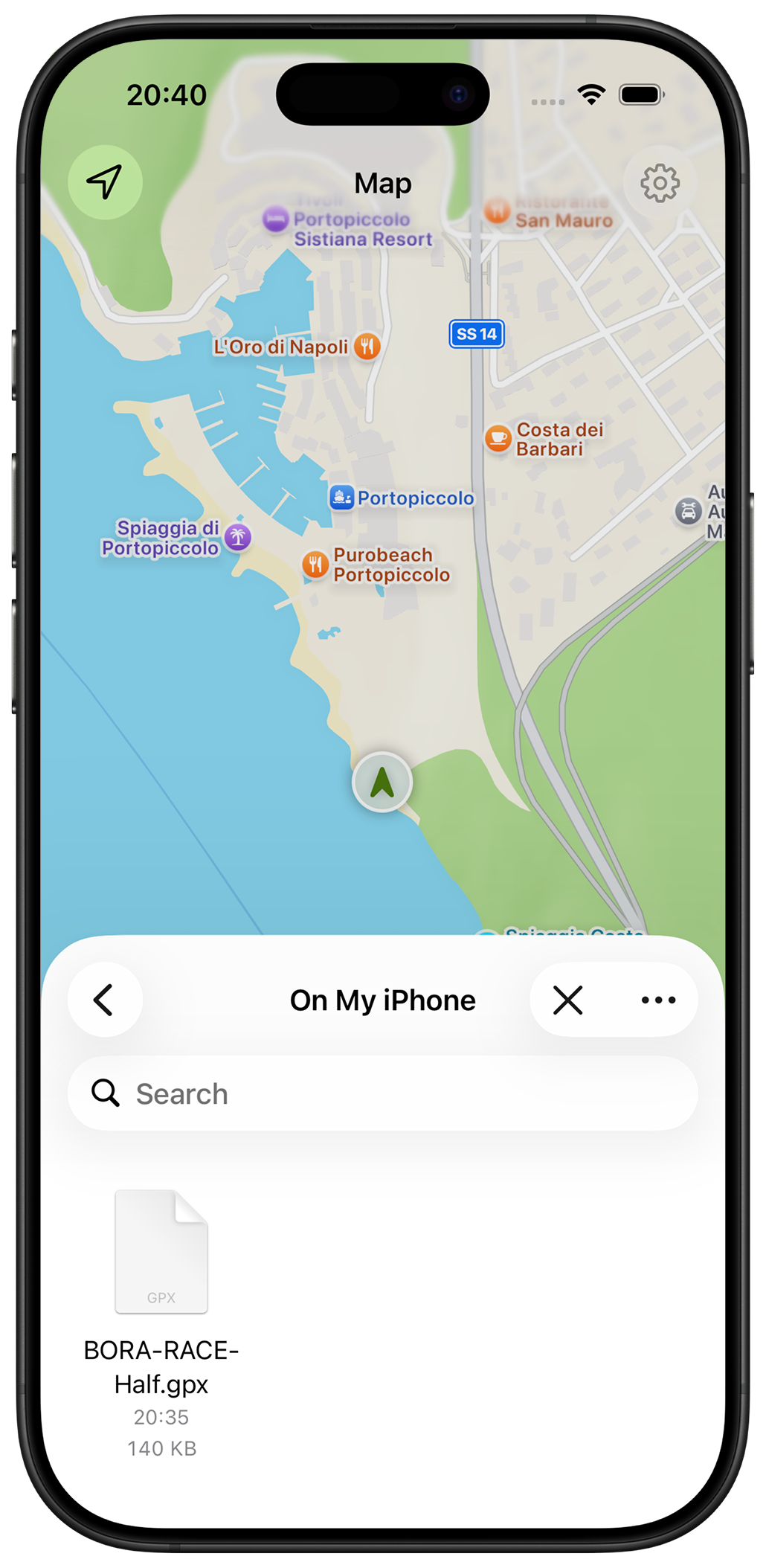
Open GPX files from Files, Safari, AirDrop, email, or other apps and see the route instantly.
Trail routes for iPhone
Never wonder if you're on the right trail.
Import GPX files, create routes, check elevation profiles, and follow your position on the map. No accounts, no subscriptions, and no complicated route-planning software.
Simple by design
Most GPX tools feel like GIS software. TrailMapper focuses on what you actually need outdoors: importing routes, understanding climbs, and staying on course.
Open GPX files from Files, Safari, AirDrop, email, or other apps and see the route instantly.
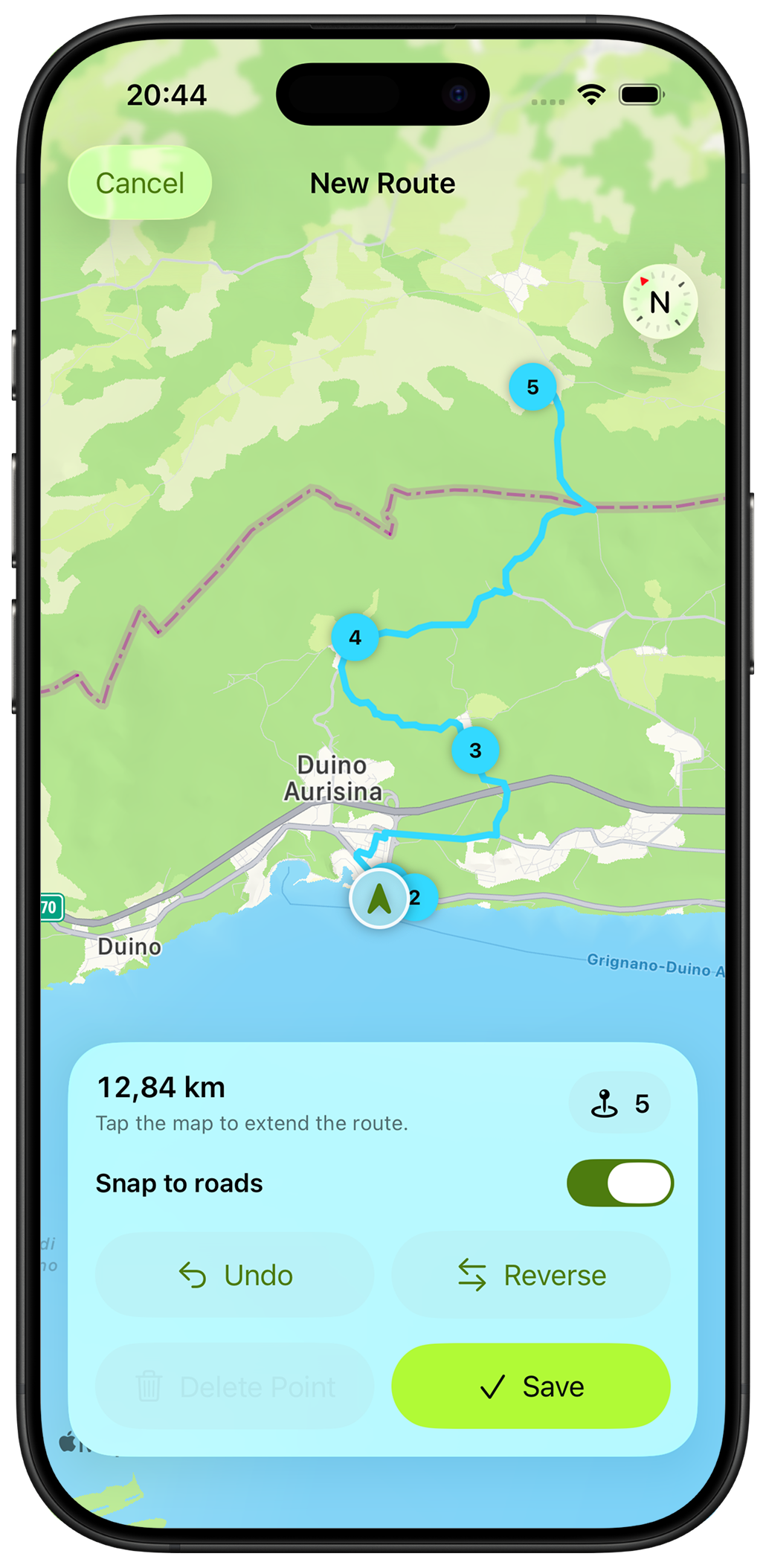
Tap points on the map to build a route directly on your iPhone. No laptop required.
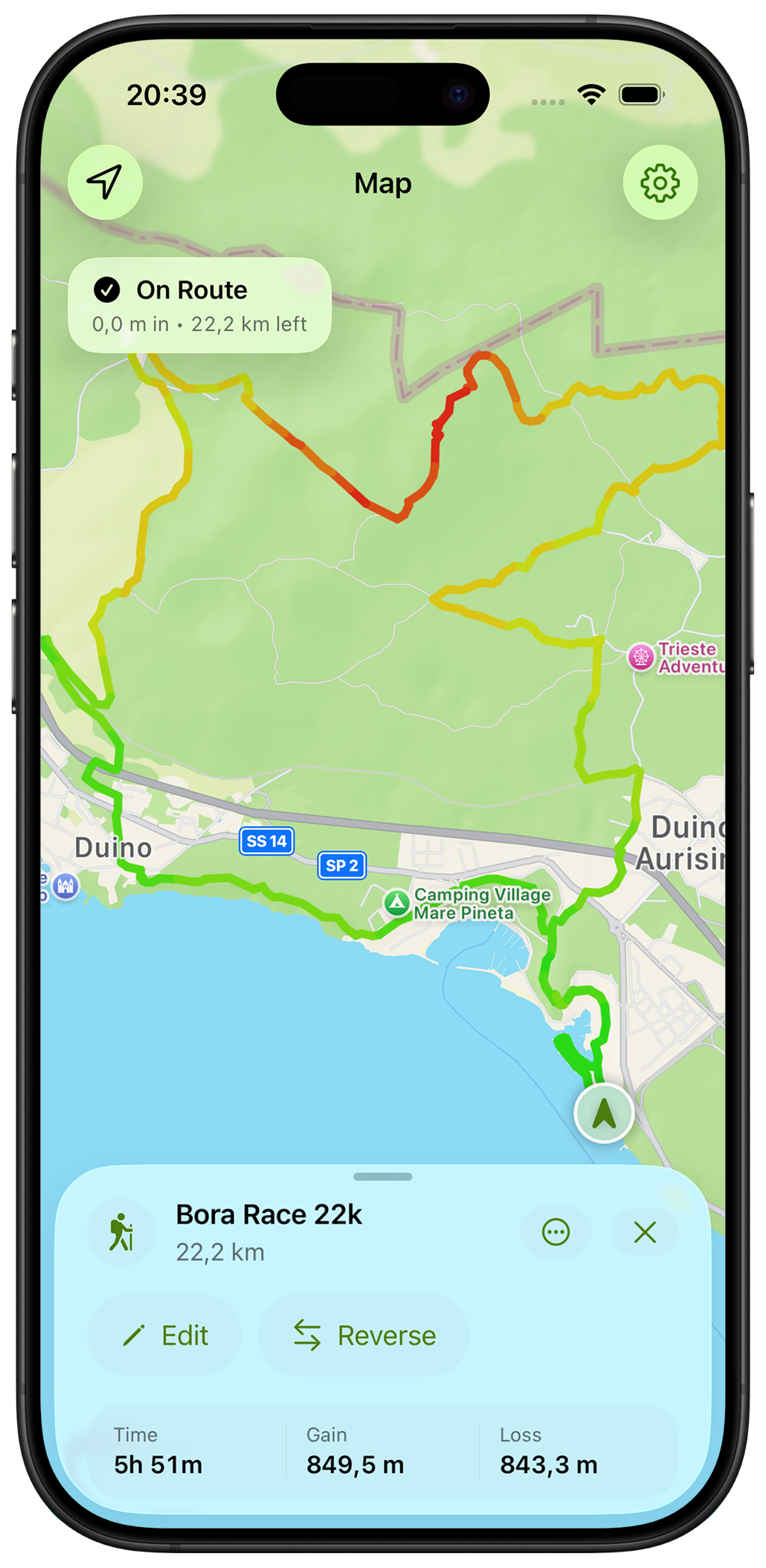
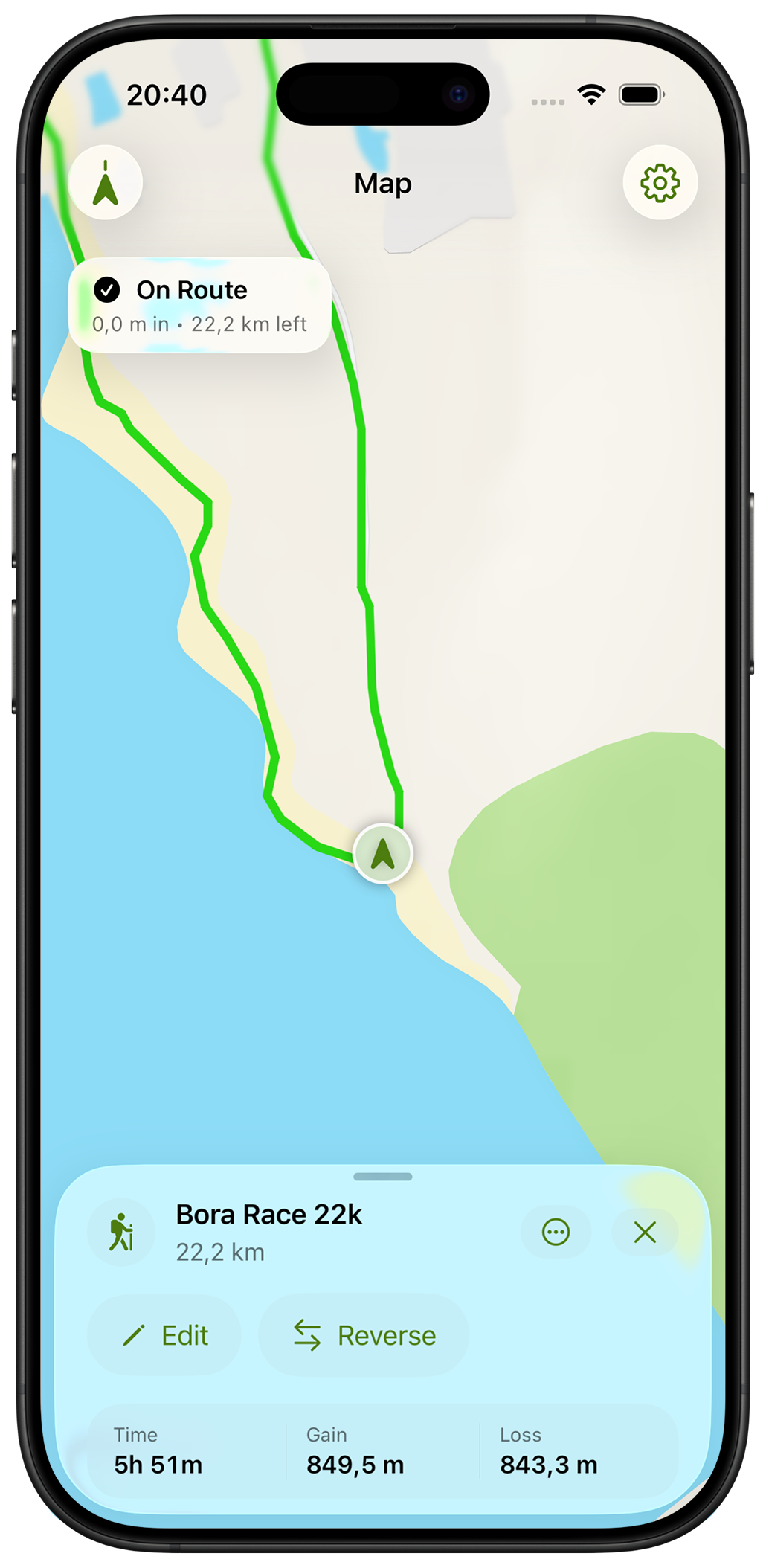
See your live position against the route and quickly confirm you're still heading the right way.
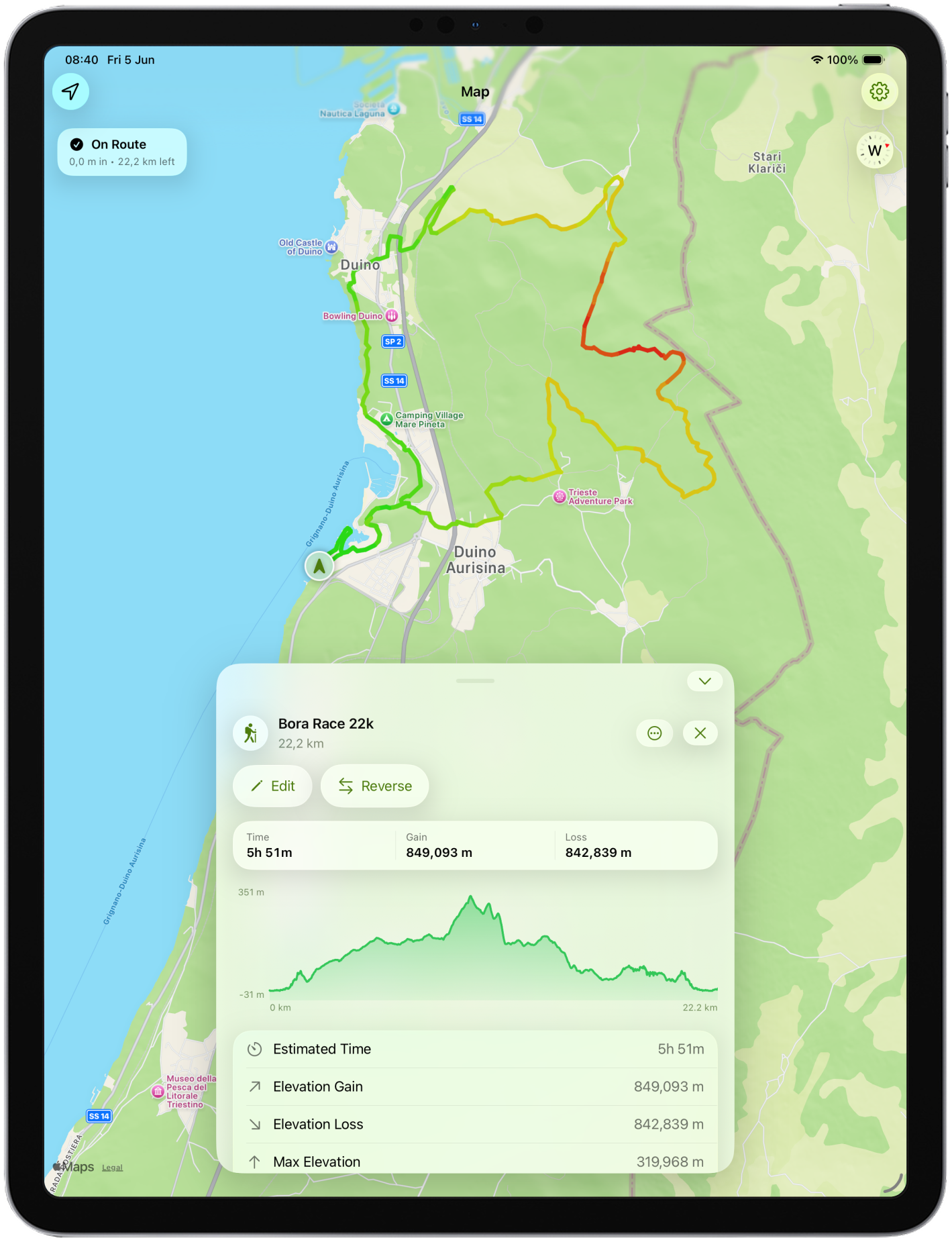
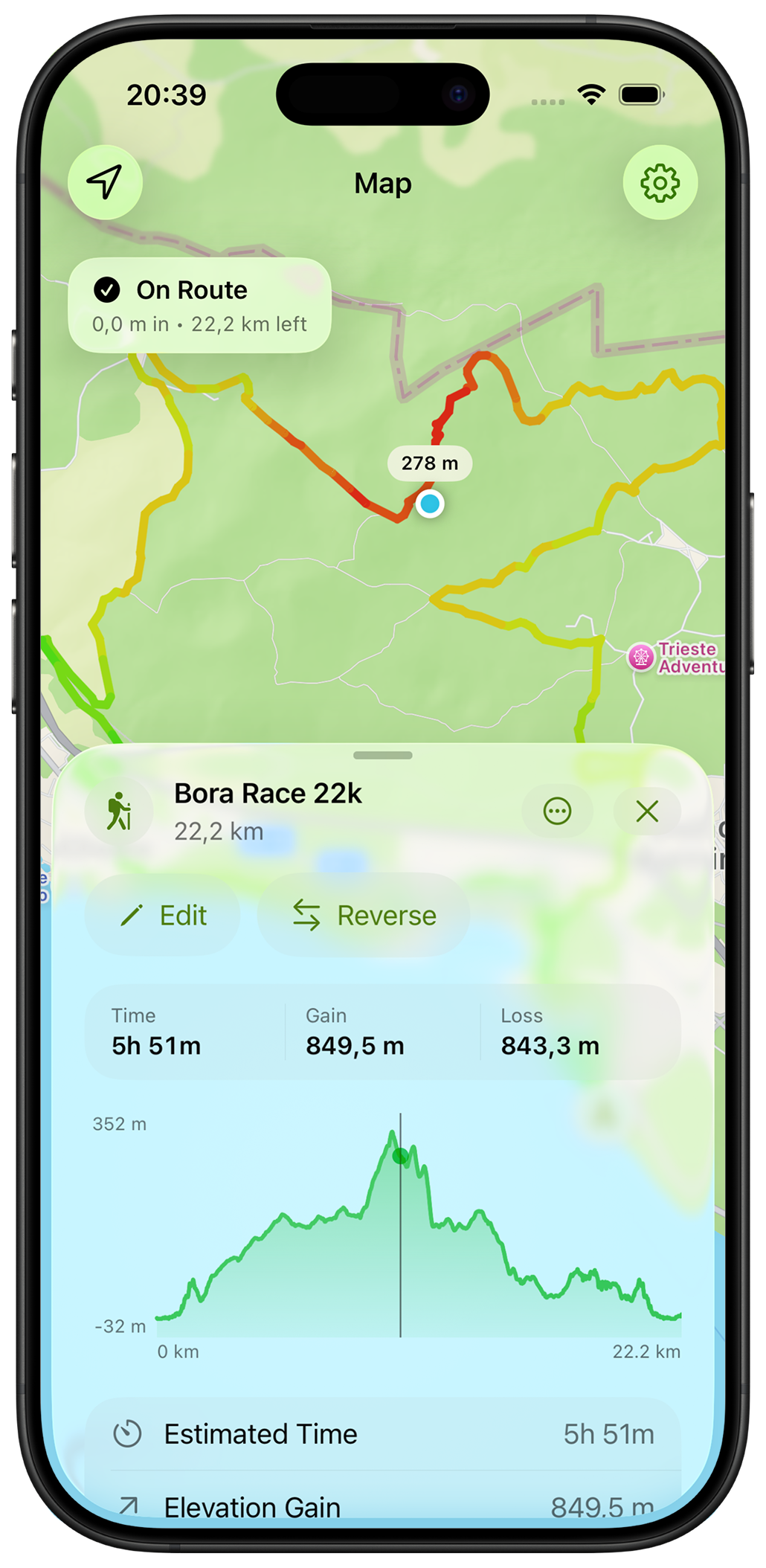
Distance, elevation gain, and route profiles help you understand what's ahead before you leave.
App screens
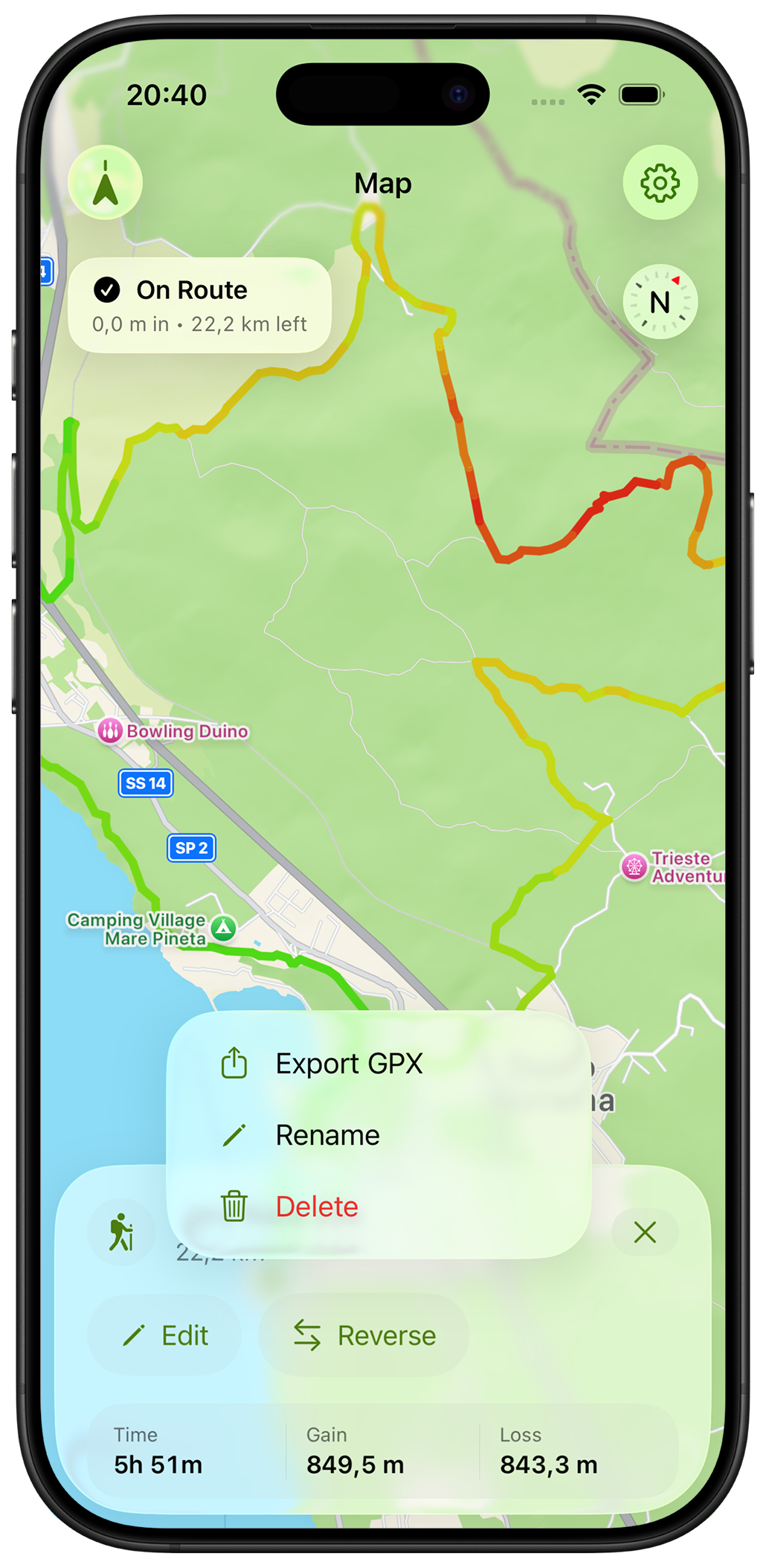
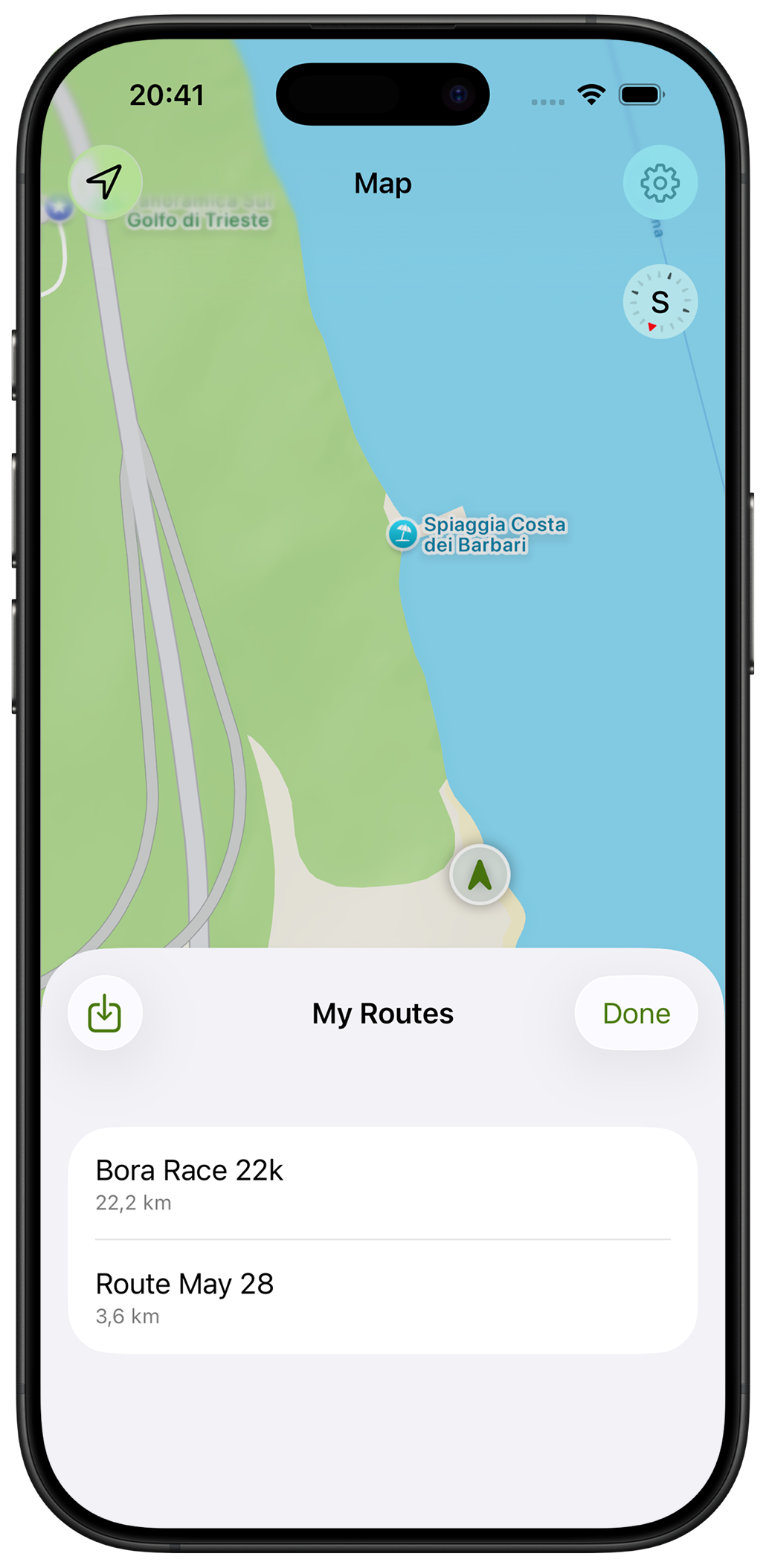
Import GPX files, build routes from scratch, inspect elevation profiles, organize your library, and carry everything in your pocket.
Trail workflow
Import a route from a website, race organizer, friend, or hiking guide.
Keep routes organized and ready for future adventures.
See your position on the map whenever the trail becomes unclear.
Made for
Trail runners, hikers, fastpackers, gravel riders, bikepackers, and anyone who prefers carrying a route instead of guessing the way.
Private by default
TrailMapper doesn't require an account, subscription, or cloud service. Buy it once, import your routes, and use it as long as you like.
More from Blue42